


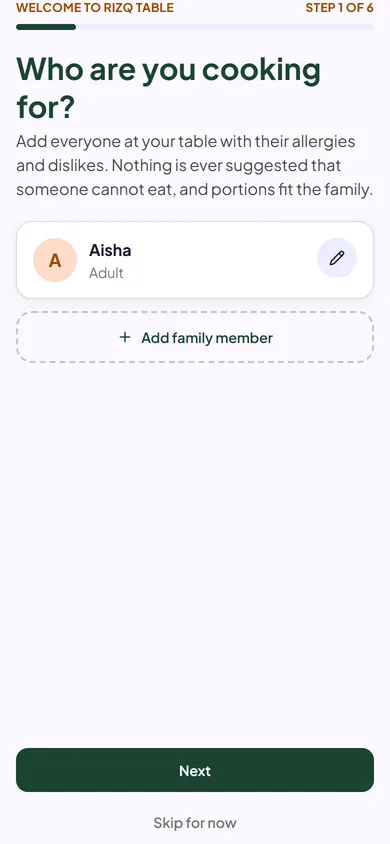
Once you have created your account and signed in, a short set-up tells Rizq Table who you cook for. It takes a few minutes. Every step can be skipped and changed later under Family.
1. Tell us who you are cooking for
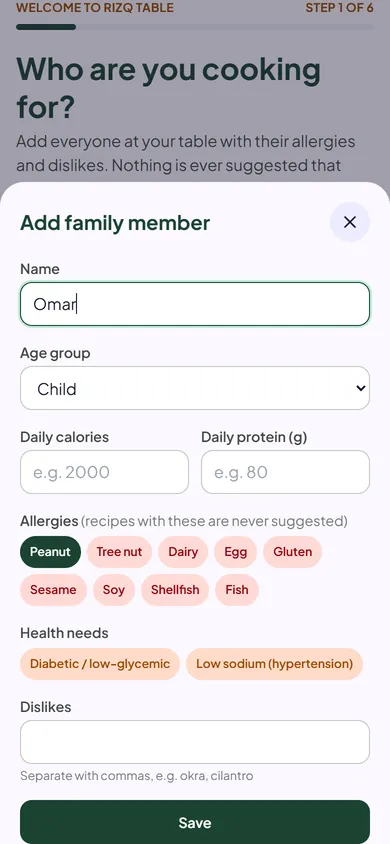
Add everyone who eats at your table, with their age group, allergies, health needs and dislikes. Anything a person cannot eat is never suggested for them. Tap Add family member to add each person.
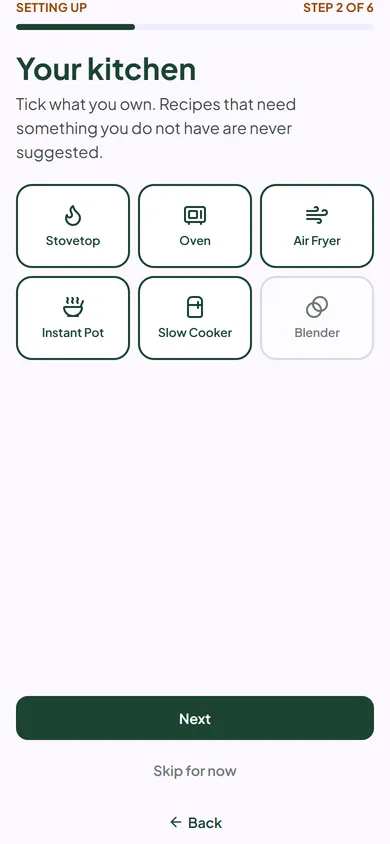
2. Your kitchen, cuisines and level
- Your kitchen: tick the appliances you own, such as an oven, air fryer or slow cooker. Recipes that need something you do not have are not suggested.
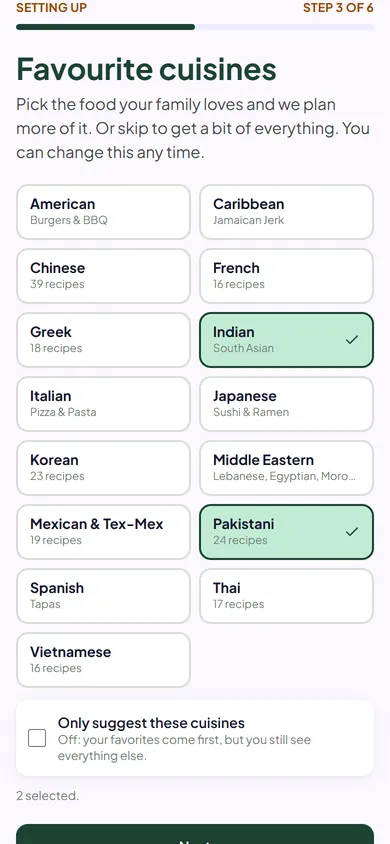
- Favourite cuisines: pick what your family likes. Tick Only suggest these cuisines if you want to stay within them.
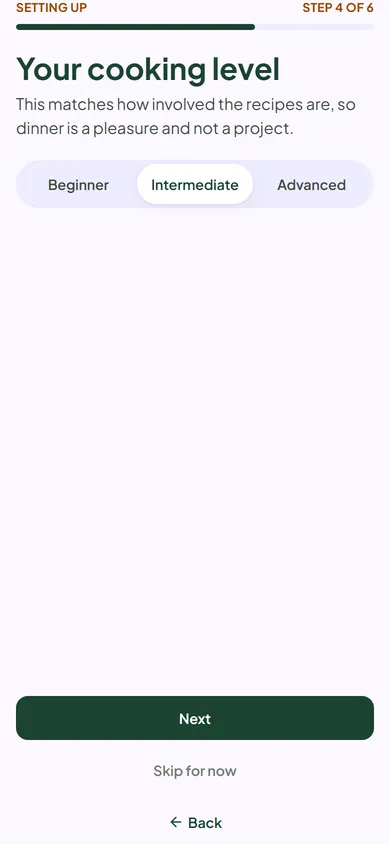
- Your cooking level: Beginner, Intermediate or Advanced.
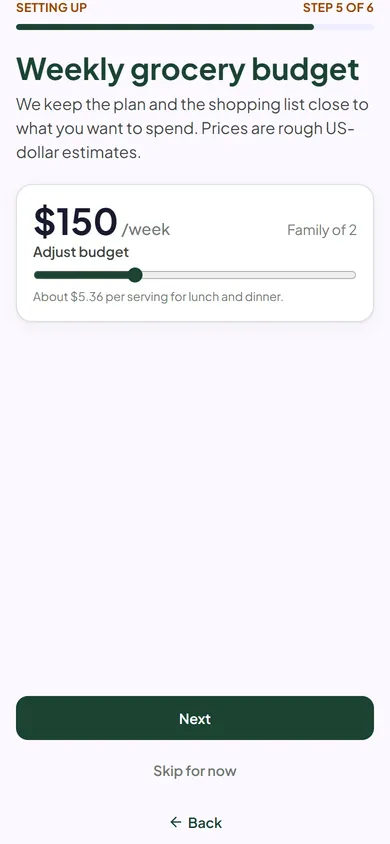
3. Your weekly grocery budget
Set what you want to spend each week. The app keeps your plan close to it and shows an estimate on your grocery list. Prices are estimates, and real prices vary by store and area.
4. All set
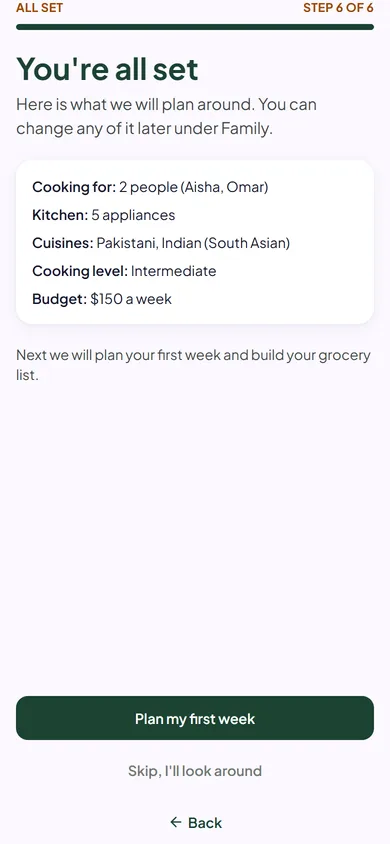
You get a summary of your choices. Tap Plan my first week and you are in the Planner. Your choices can be changed any time under Family. A short tour shows you around, and you can replay it from the Help page.
Next: Plan your week.